How to Save Money on Device Repairs in Brooklyn: Expert Tips


Understand the Problem
Before you spend money on device repairs, it's crucial to understand the problem. Conduct a quick online search or consult your device's manual to identify the issue. This will give you a better idea of whether it's a minor fix you can handle or if professional help is needed. Knowing the problem can save you from unnecessary repair costs.
Often, minor issues like a slow device or battery drainage can be resolved with simple troubleshooting steps. Try restarting your device, updating software, or freeing up storage space. These actions can often solve the problem without any cost.
Choose a Reliable Repair Shop
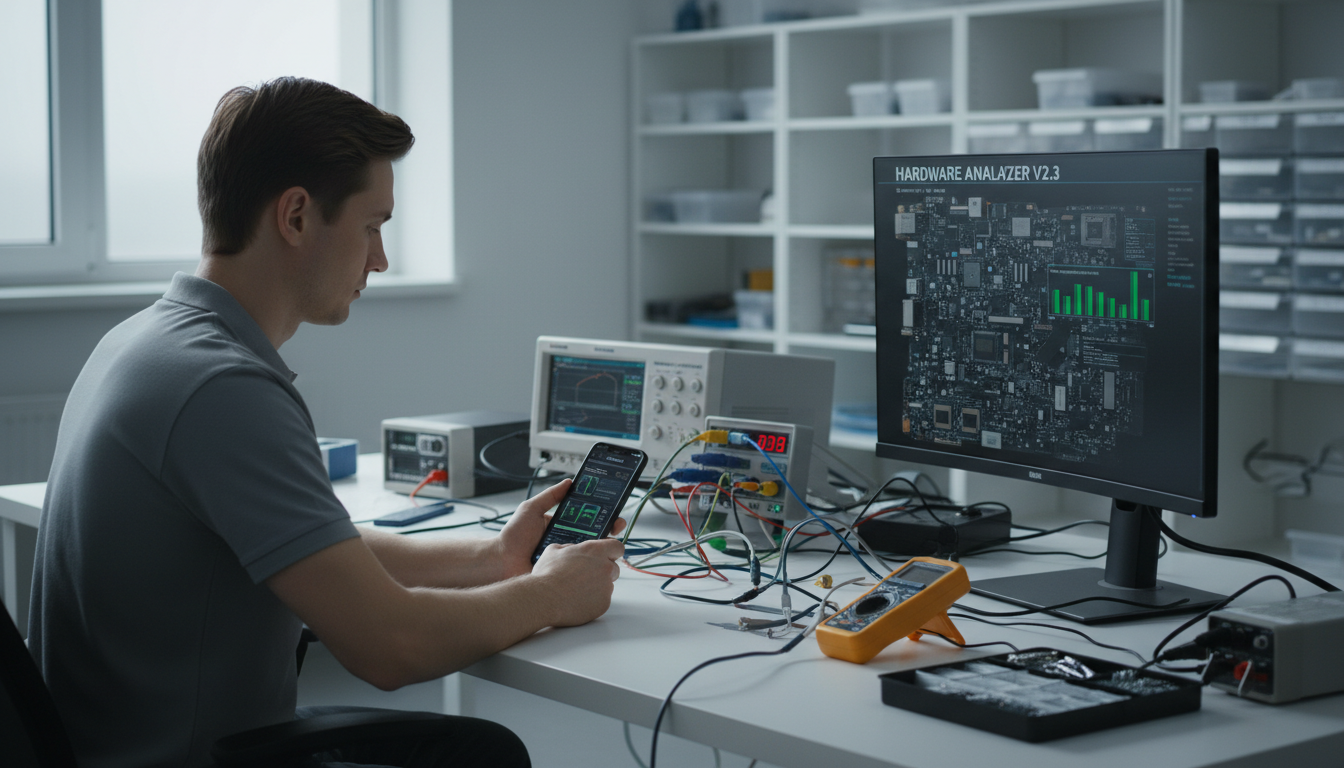
When it's time to consult a professional, choosing a reliable repair shop is essential. Look for shops with good reviews and ratings in Brooklyn. Ask friends or family for recommendations to ensure you find a trustworthy service provider. A reliable shop will not only provide quality service but also offer warranties on repairs.
It's wise to compare prices from different repair shops. Some may offer a free diagnostic, which can help you understand the repair cost before committing. Always ask for a detailed quote and ensure there are no hidden fees.
Consider DIY Repairs
For tech-savvy individuals, DIY repairs can be a cost-effective solution. Online resources such as YouTube tutorials and repair guides can provide step-by-step instructions for fixing common device issues. Websites like iFixit offer comprehensive guides and even sell repair kits for various devices.
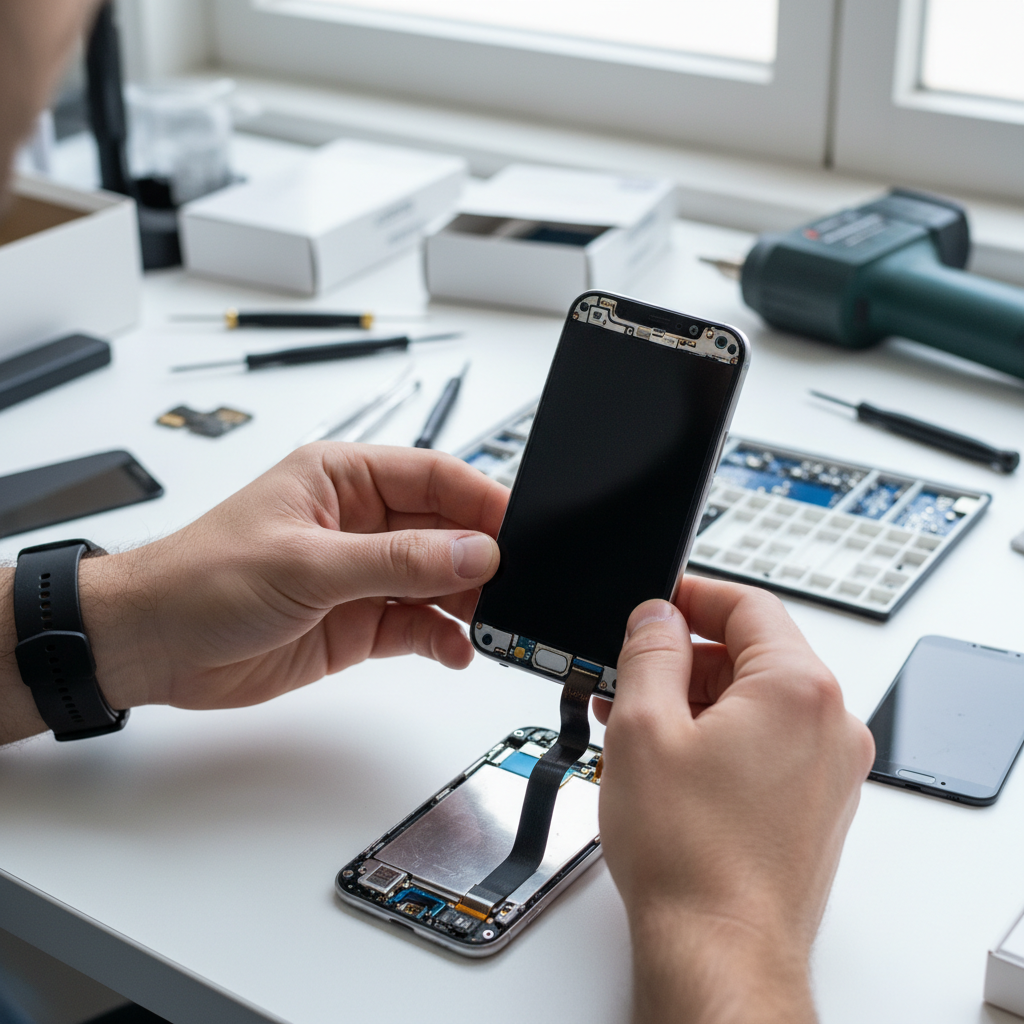
However, be cautious with DIY repairs. If you're unsure about your skills, you may end up causing more damage, leading to higher repair costs. Always weigh the risks and benefits before attempting a DIY repair.
Utilize Warranty and Insurance
If your device is still under warranty, check if the repair is covered. Manufacturer warranties often cover defects and certain types of damage. Contact the manufacturer or retailer to learn about your options. Additionally, if you have device insurance, review your policy to see if the repair costs can be covered.
Keep in mind that using third-party repair services might void your warranty, so it's crucial to read the terms carefully. Opt for authorized service centers when using warranty services to prevent any issues.

Invest in Preventative Care
Preventative care can significantly reduce the need for repairs. Use protective cases and screen protectors to minimize damage from drops and scratches. Regularly clean your devices to prevent dust and debris from affecting performance. Keeping software updated can also prevent malfunctions and security issues.
Consider investing in quality accessories to enhance your device’s lifespan. High-quality chargers and cables can prevent battery issues and other hardware malfunctions.
Negotiate Repair Costs
Don’t hesitate to negotiate repair costs. Many repair shops in Brooklyn are willing to offer discounts, especially if you have multiple devices needing repair. Always ask if there are any available promotions or discounts to lower the overall cost.

Building a relationship with a local repair shop can also lead to future discounts and quicker service. Being a repeat customer often comes with perks, so establishing a rapport can be beneficial.